Copy trading with Ac agarwal
Start copy trading with Ac agarwal in just 3 easy steps using AlgoDelta. Connect your account, automate your trades, and simplify your trading workflow.

Introduction:
To connect Ac agarwal in AlgoDelta’s Copy Trading software, follow these steps:
- Get API key and API Secret from Ac agarwal Portal.
- Add Ac agarwal account details in Algodelta’s Copy Trading.
Step 1 :
First, obtain your Ac agarwal API Key and API Secret from your Relationship Manager (RM) or by contacting the Ac agarwal customer support team.
Step 2 :
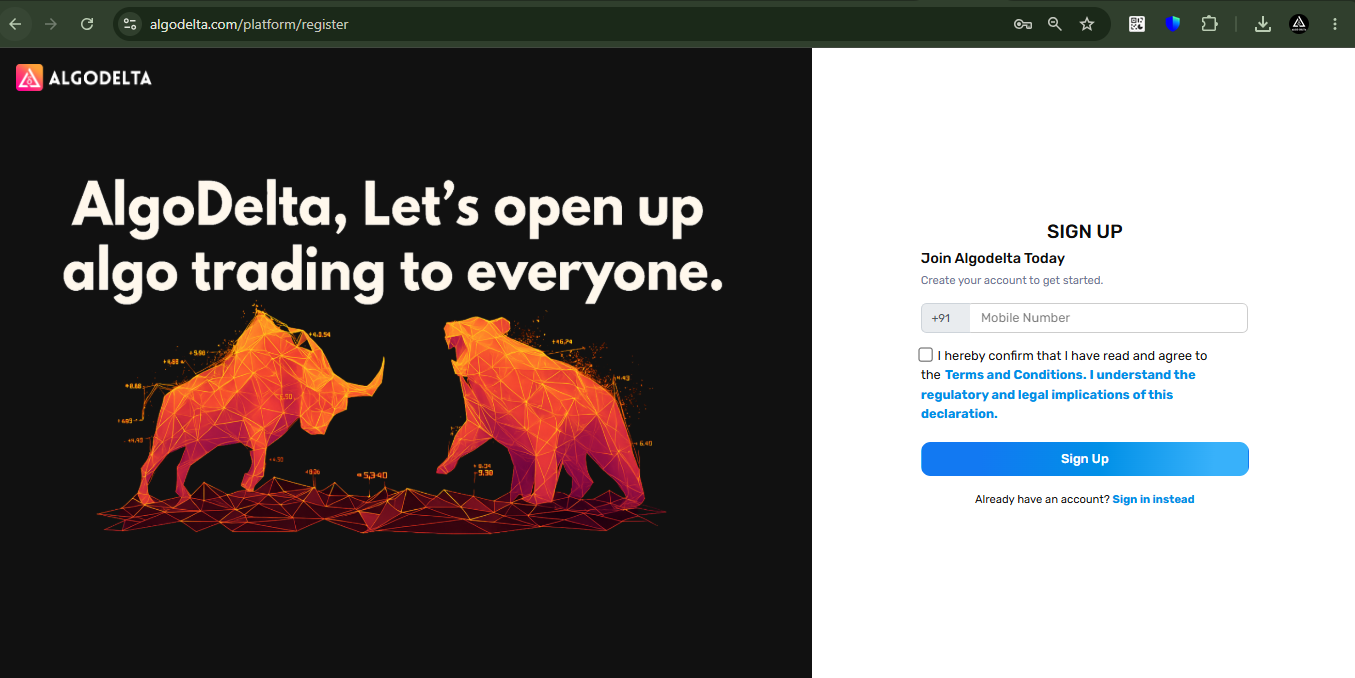
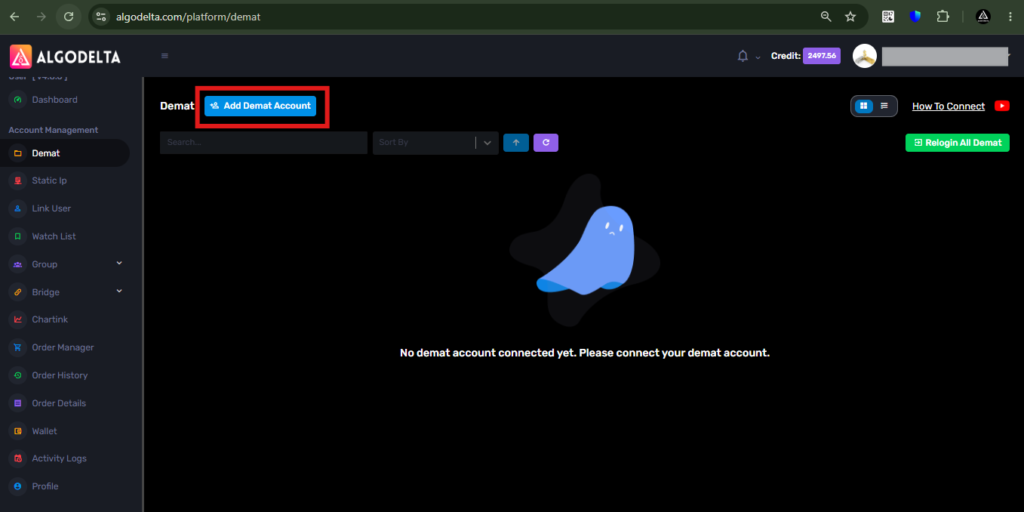
Next, go to the “Demat” tab in AlgoDelta and click on “Add Demat Account.” From the list of supported brokers, select “PropXTS” to begin the account integration process and configure your Ac agarwal API credentials.
Step 3 :
Fill in the required details, including your Nickname, Mobile Number, and Email ID. In both the Login ID and Client ID fields, enter your Ac agarwal Client ID. Next, enter the API Key and API Secret provided by your Relationship Manager (RM) or the Ac agarwal customer support team.
In the Hostlookup URL field, enter:
https://symphony.acagarwal.com:3000/hostlookup
Finally, enter 1.0.1 in the Version field and proceed with the account setup to complete the Ac agarwal API integration in AlgoDelta.
After entering all the required details, click on the “Add” button to successfully connect your Ac agarwal account with AlgoDelta and complete the API integration setup.
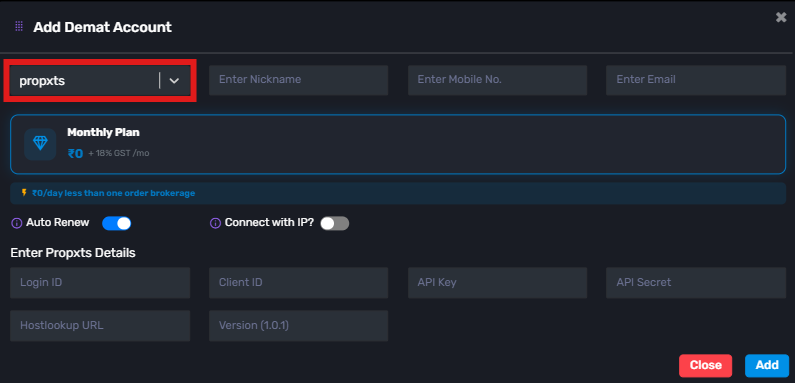
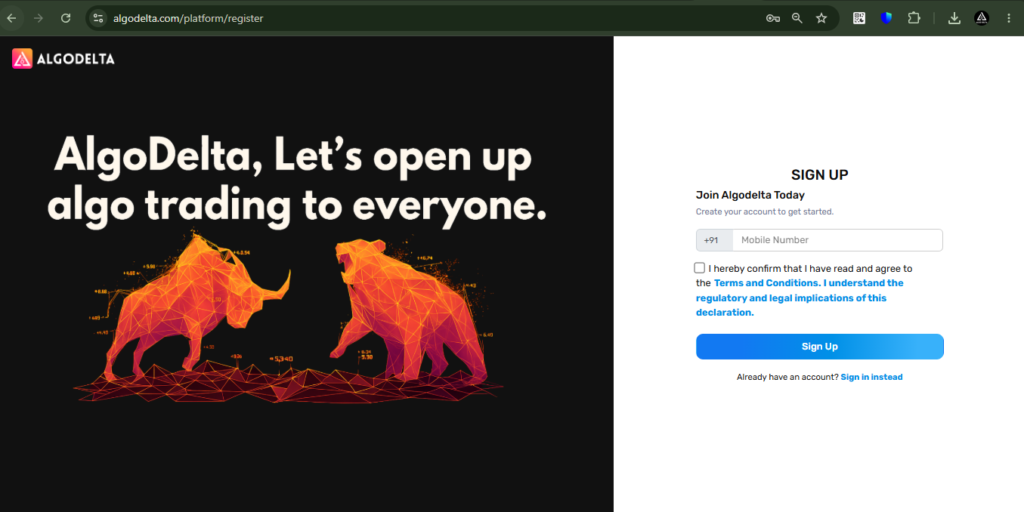
If you don’t have an AlgoDelta account yet, you can create one by visiting the link below and get started with copy trading, API integration, and trading automation.
https://algodelta.com/platform/register
If you have any questions or need assistance with the setup process, feel free to contact our support team directly at +91 95376 74727. We’ll be happy to help you get started with AlgoDelta.

Written by
The AlgoDelta support team writes setup guides for copy trading, broker API connections and TradingView automation, based on thousands of real customer setups.