Copy trading with Jainam lite
Start copy trading with Jainam lite in just 3 easy steps using AlgoDelta. Connect your account, automate your trades, and simplify your trading workflow.

Introduction:
To connect Jainam lite in AlgoDelta’s Copy Trading software, follow these steps:
- Generate API key and API Secret from Jainam lite Portal.
- Add PL capital account details in Algodelta’s Copy Trading.
Step 1 :
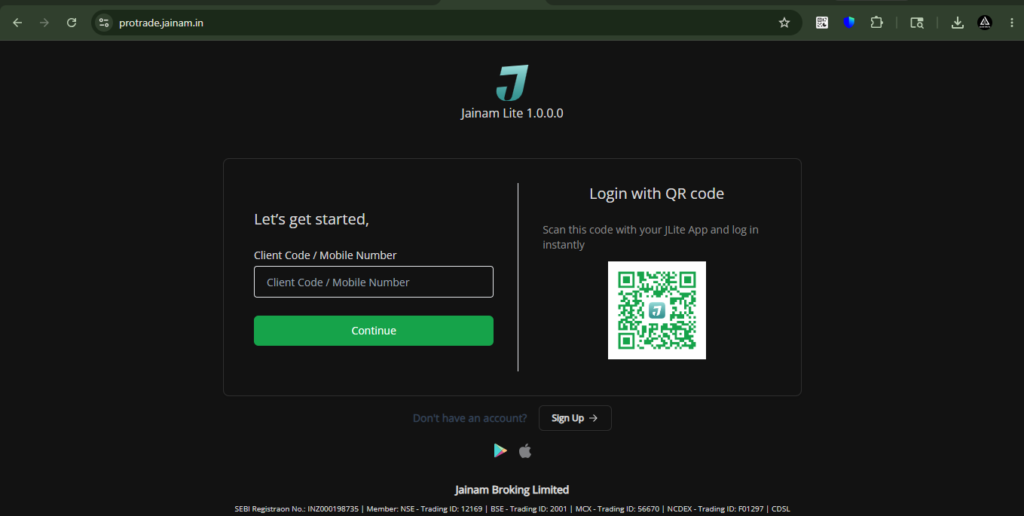
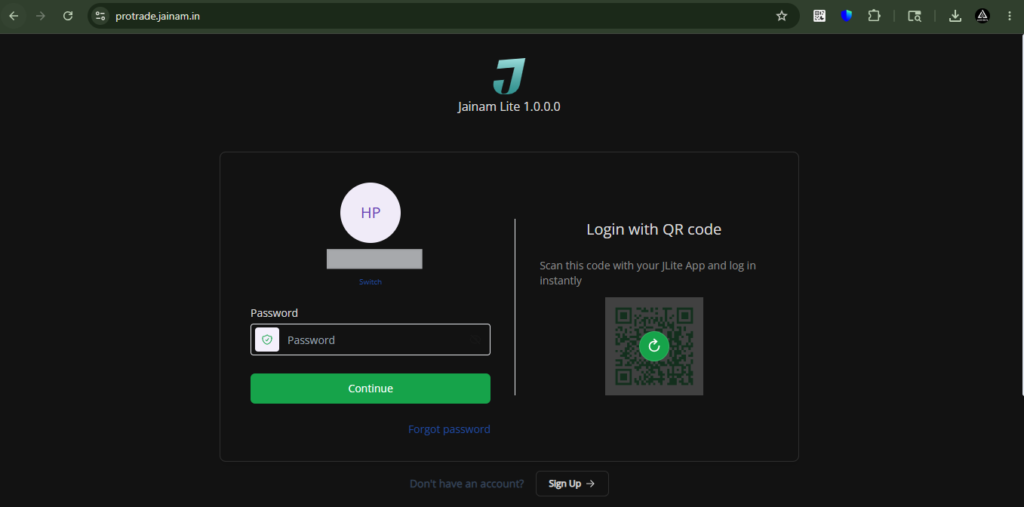
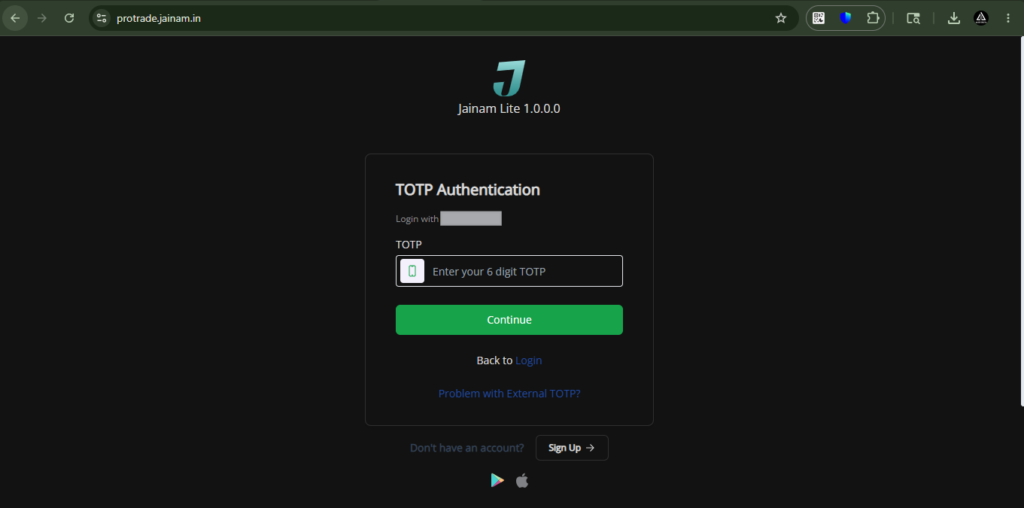
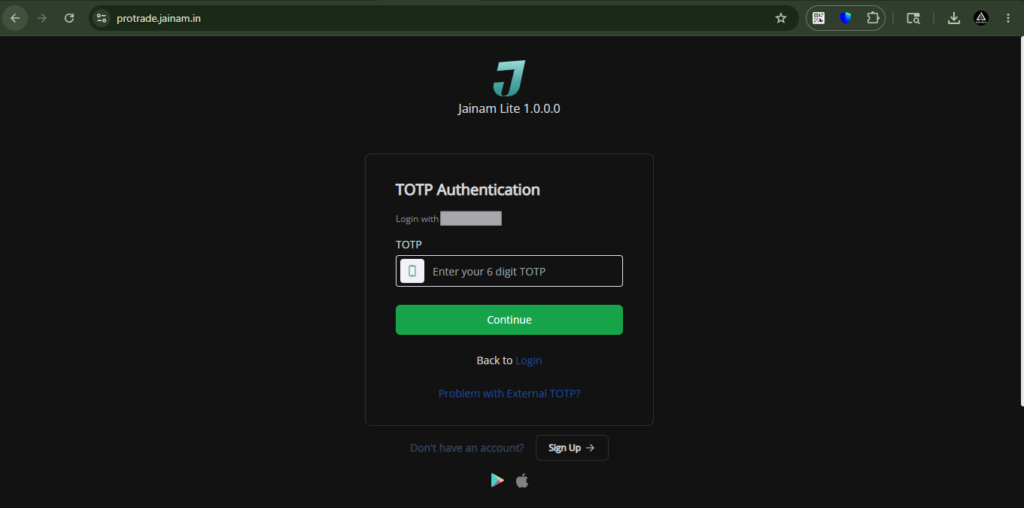
First, log in to your account using the following link: https://protrade.jainam.in/ by entering your Client ID, password, and OTP/TOTP.
Step 2 :
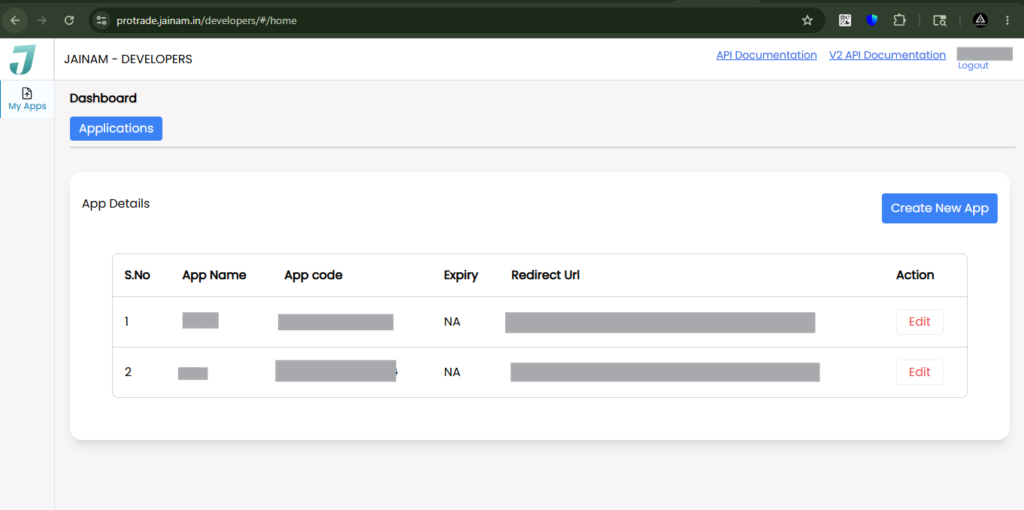
Next, open the Jainam Developer Portal by visiting https://protrade.jainam.in/developers/#/home to begin the API setup and integration process.
After accessing the Jainam Developer Portal, you will see the API management screen shown in the screenshot below, where you can begin the API setup process.
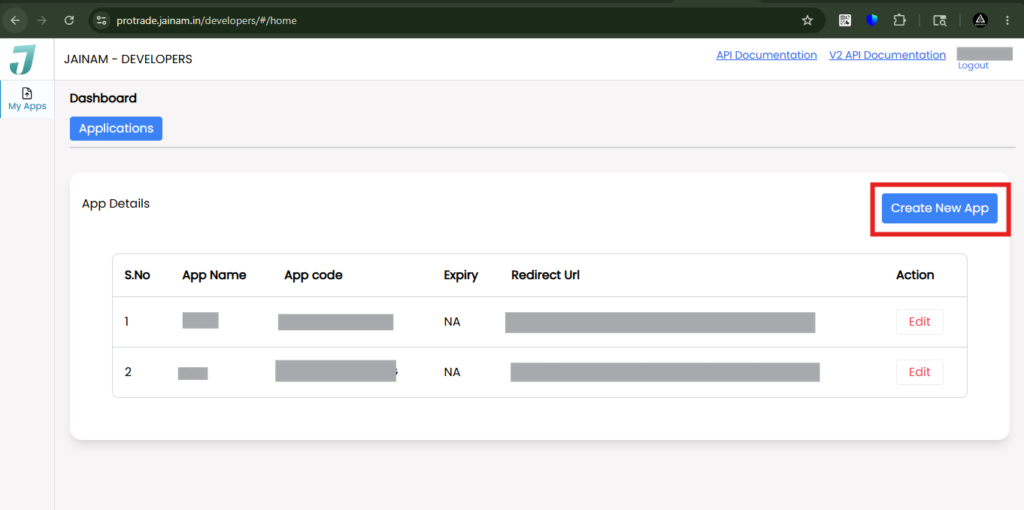
Next, click on the “Create New App” button to start the API application creation process and generate your trading API credentials.
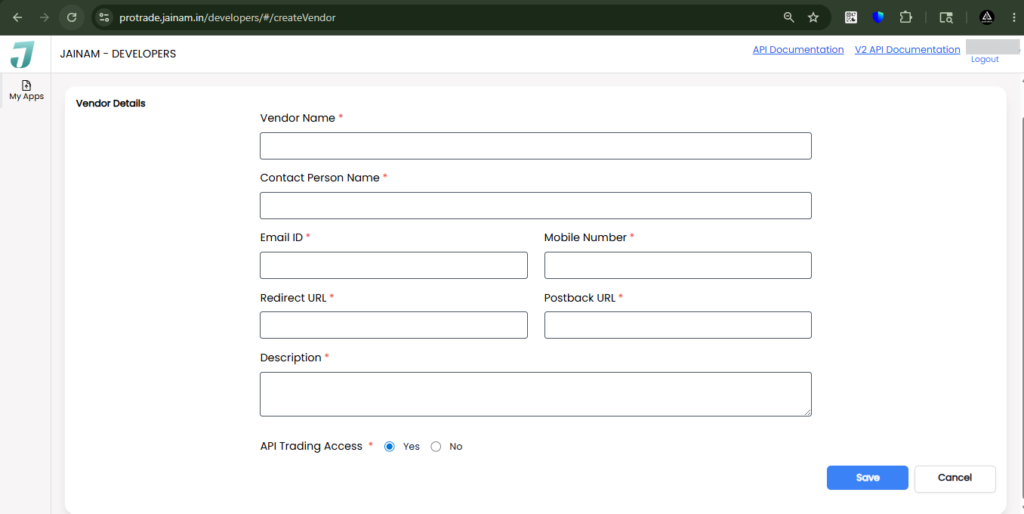
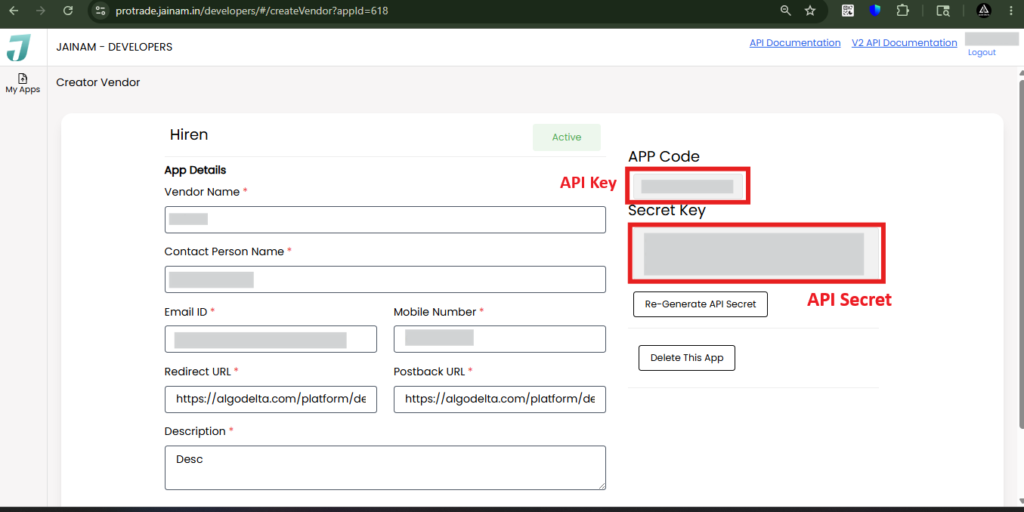
Enter the required details, including Vendor Name, Contact Person Name, Email ID, and Mobile Number. For both the Redirect URL and Postback URL, enter https://algodelta.com/platform/dematconnected. In the Description field, you can enter a brief description such as “API Integration”. Next, select “Yes” for API Trading Access and click on the “Save” button to complete the API application setup.
After saving the application, you will be redirected to another page. On this page, click the “Edit” button to update the application settings and continue the API configuration process.
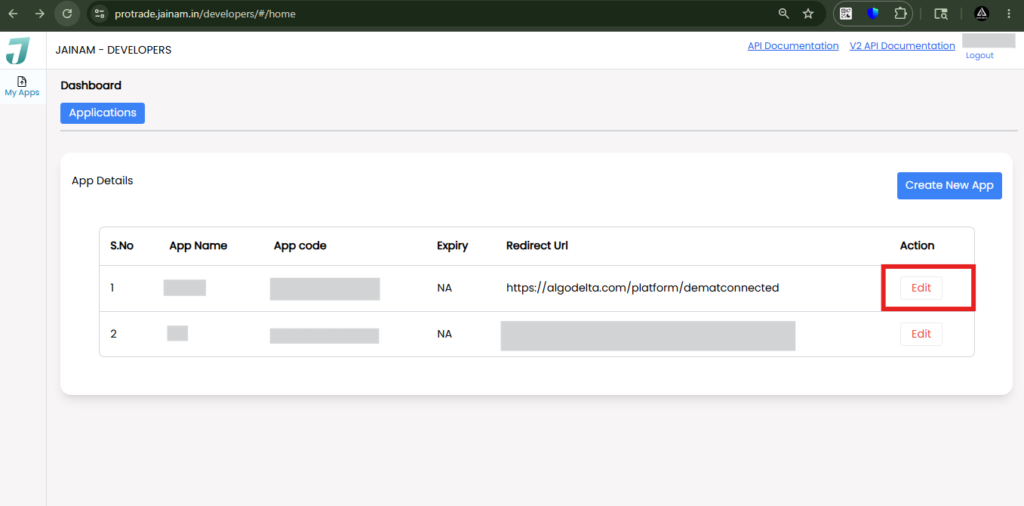
You will now be able to view your API Key and API Secret. Copy these credentials and paste them into AlgoDelta to complete the API integration and enable automated trading functionality.
Step 3 :
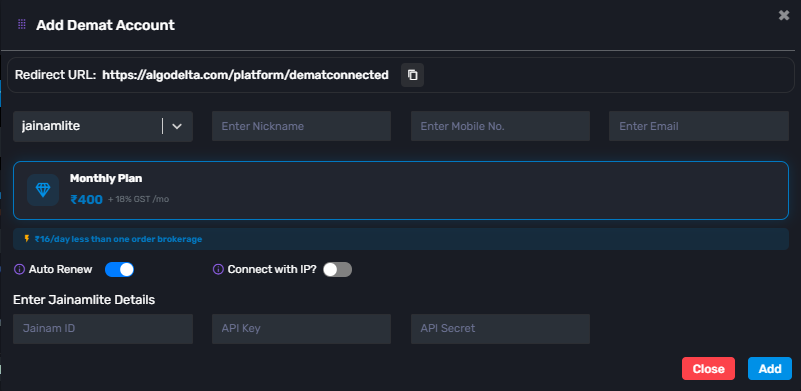
To connect your Jainam Lite account with AlgoDelta, go to the Demat tab and click on “Add Demat Account.” Then select “JainamLite” from the broker list and fill in the required details, including Name, Mobile Number, Email ID, Jainam Client ID, API Key, and API Secret.
Once all the details are entered correctly, click on the “Add” button. Your Jainam Lite account will be successfully added and ready for API-based trading and automation through AlgoDelta.

Written by
The AlgoDelta support team writes setup guides for copy trading, broker API connections and TradingView automation, based on thousands of real customer setups.