

Introduction:
To connect Zerodha in AlgoDelta’s Copy Trading software, follow these steps:
1. GenerateAPI Key from the Zerodha trade Portal.
2. Add Zerodha Account Details in Algodelta’s Copy Trading
Step 1:
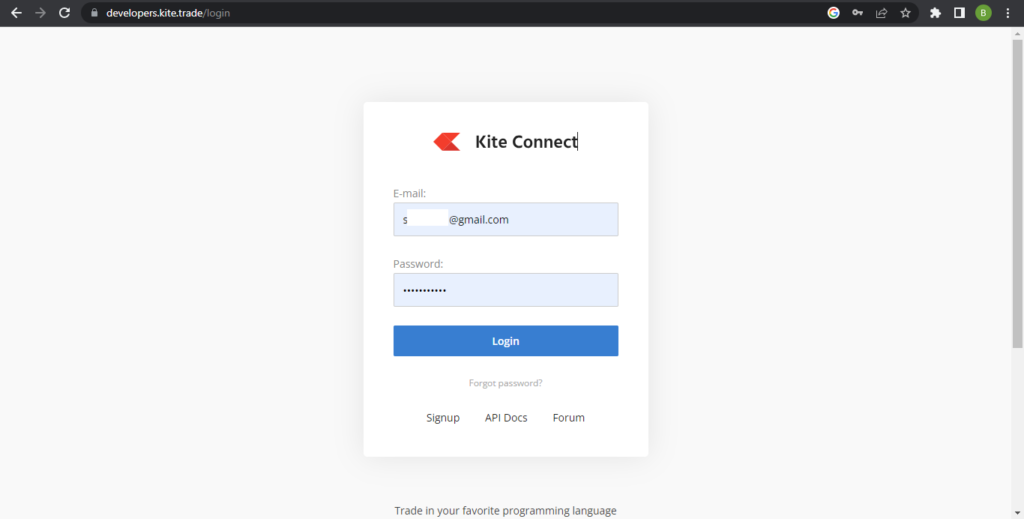
Open the Developer Kite website using the following link: https://developers.kite.trade/login
Enter your Email ID and Password to log in.
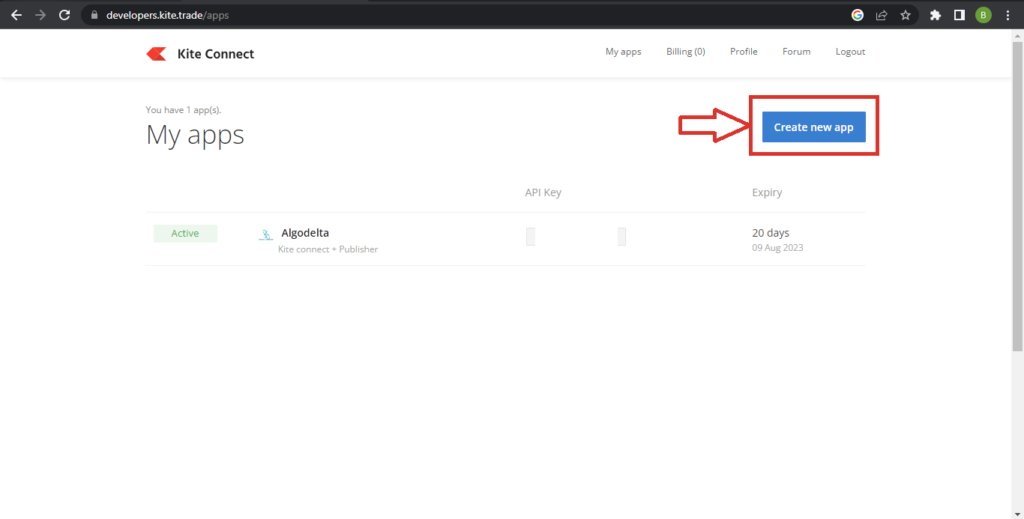
Once you logged in Click on ‘Create new app’ button for creating api.
Step 2:
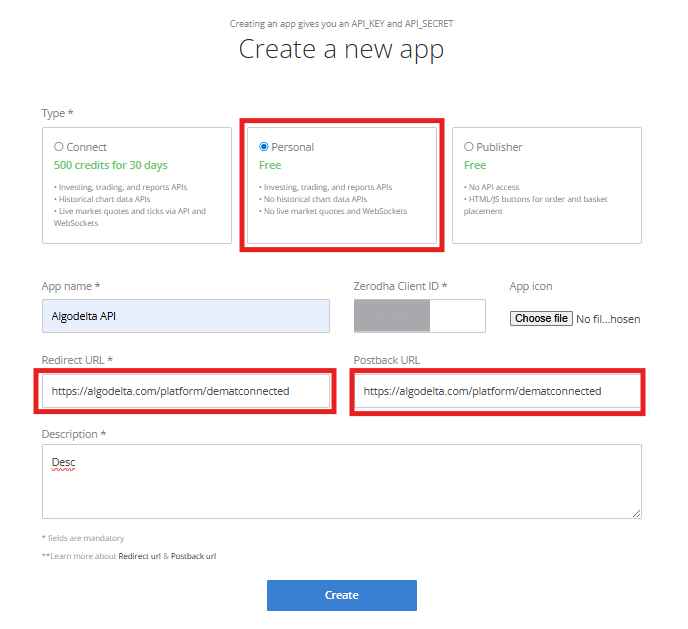
To create your Zerodha API app, select the “Personal” option and enter your preferred app name (example: “AlgoDelta”). Add your Zerodha Client ID, and for both the Redirect URL and Postback URL, enter https://algodelta.com/platform/dematconnected. Provide a short description for your app and click the Create button to complete the Zerodha API setup.
Your Zerodha API is now successfully generated, and you can proceed with integrating it for automated trading and platform connectivity.
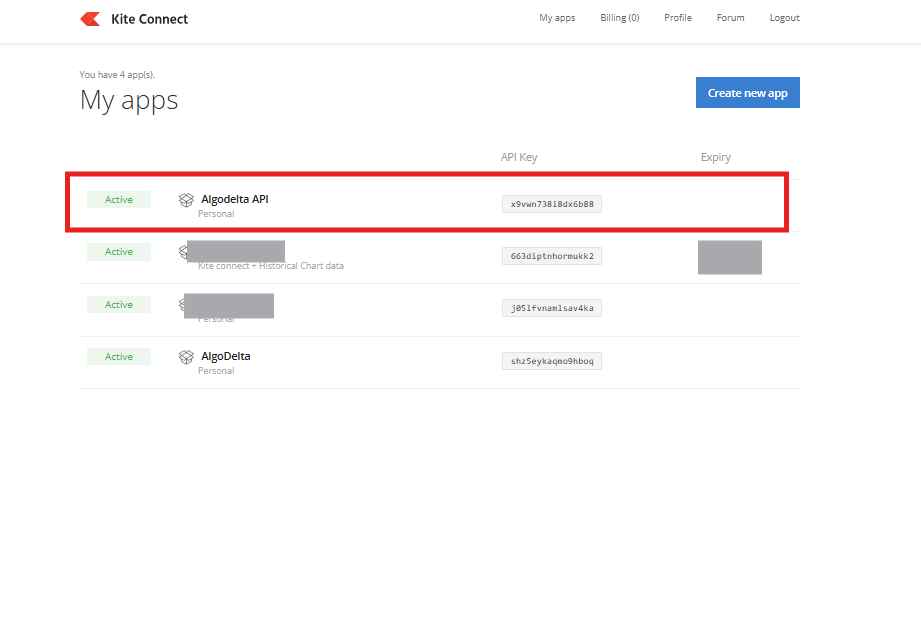
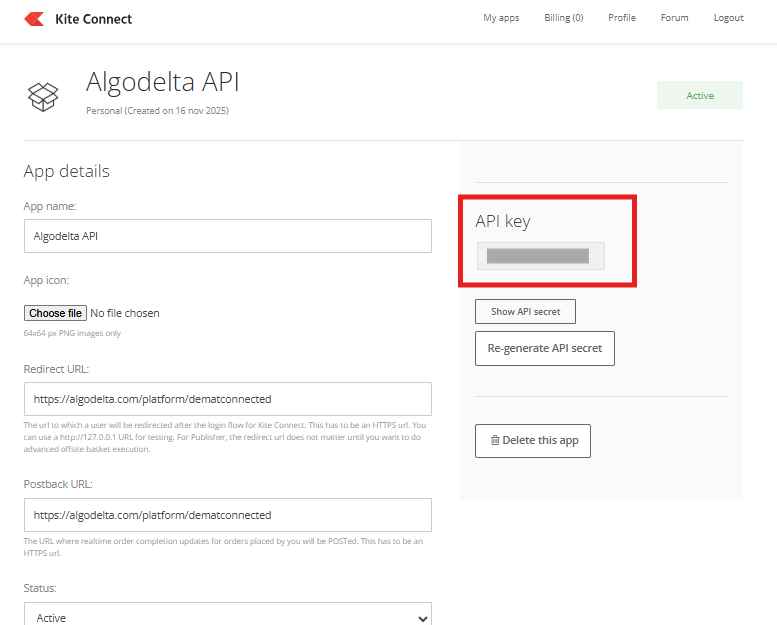
Now click on your newly generated API, and you will be able to view your Zerodha API Key and API Secret for further integration.
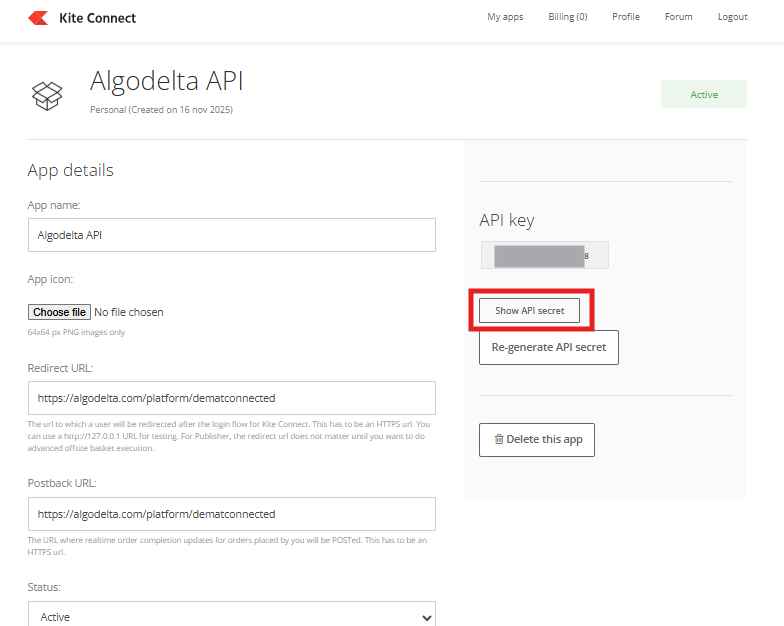
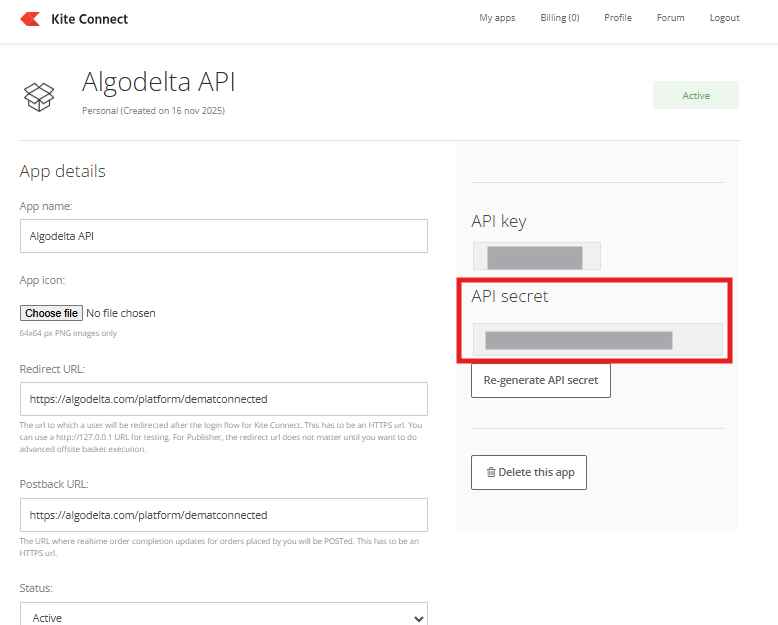
When you click on the “Show API Secret” button, your Zerodha API Secret Key will become visible for further integration and setup.
Step 3:
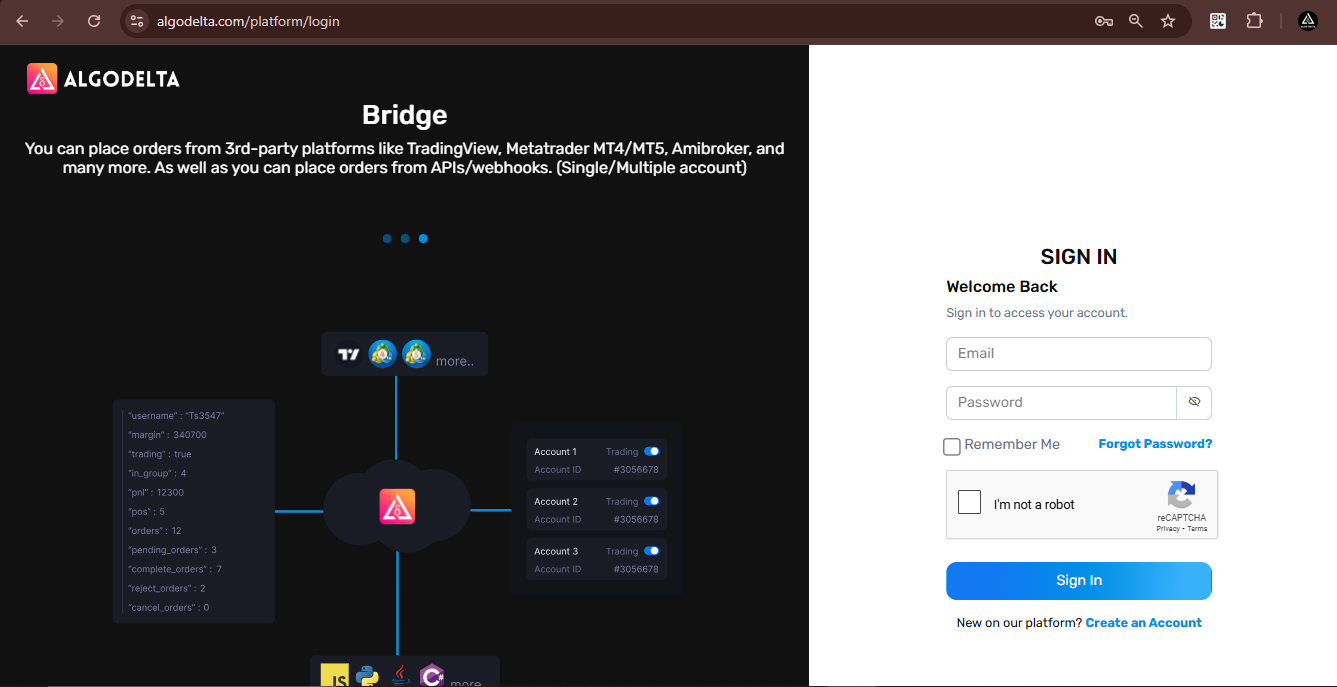
Now, go to AlgoDelta’s Copy Trading using the following link: https://algodelta.com/platform/login. Enter your AlgoDelta email ID and password.
Step 6:
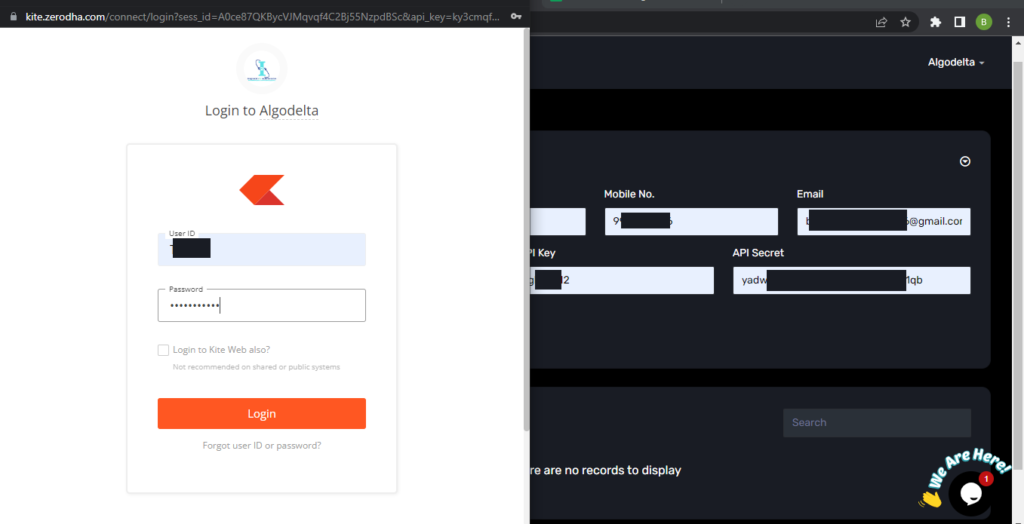
Go to the “Demat” tab and click on “Add Demat Account” Select “zerodhawithapi” as the broker and provide the following details: Nickname, Mobile Number, Email, Zerodha ID, Zerodha API Key and API Secret (generated from the Zerodha portal). Click on “Add.” You will see another tab for login into zerodha.

Step 7:
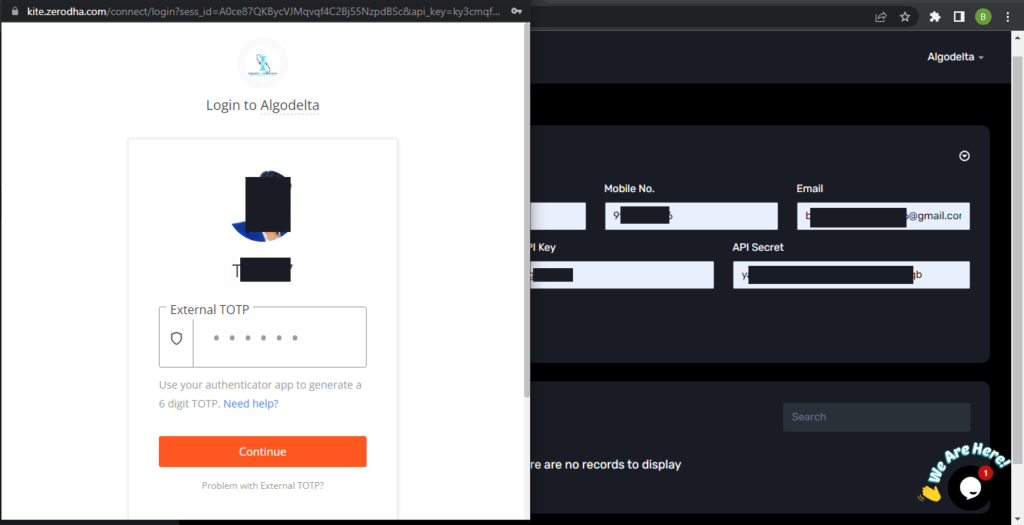
You will have to enter Zerodha user id and password then click on Login. Now you have to enter TOTP Which you get from your authenticator app which you have added in above steps. after entering TOTP click on Continue. You will see a “Broker Connected” pop-up.
Conclusion:
By following these steps, you will successfully connect your Zerodha account to AlgoDelta’s Copy Trading software and gain access to its features for enhanced trading experiences.